
Write and rewrite
Drafts, replies and summaries in your tone.
Make this email sound friendlier
Hi Sam, thanks so much for the quick turnaround! Could we push the review to Friday? Happy to help with anything you need first.
iOS Android Web
Chat for quick answers. Agent mode for real work across Gmail, Calendar, Notion and more, and it asks before changing anything.

Added 3 tasks to your Launch plan
Notion · Worked for 12s

Drafted a reply to Siri with two meeting times
Gmail · Worked for 9s

Add Call with Siri on Thursday at 3 PM?
Google Calendar · Waiting for your confirmation
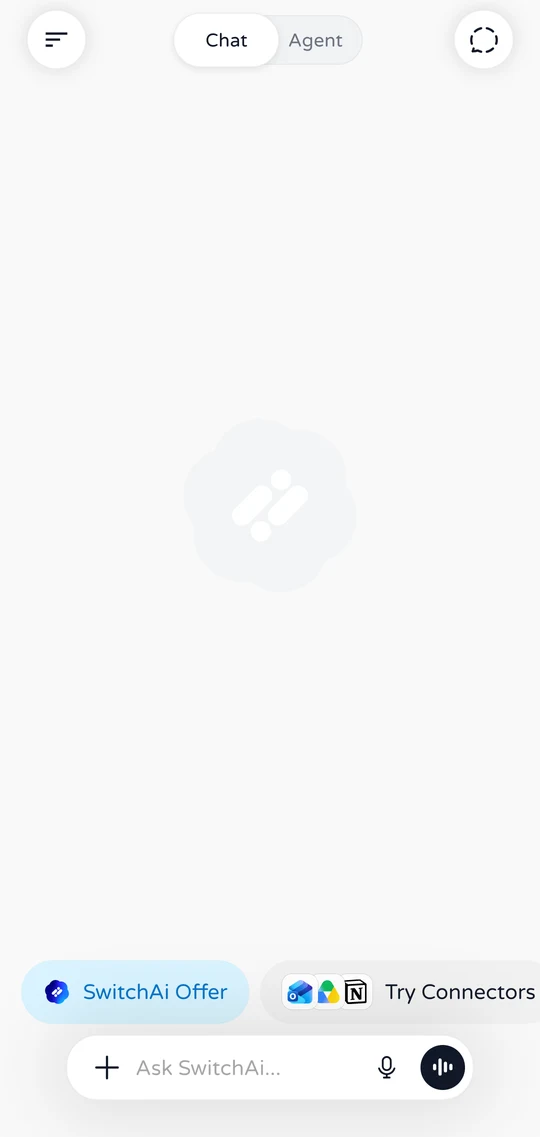
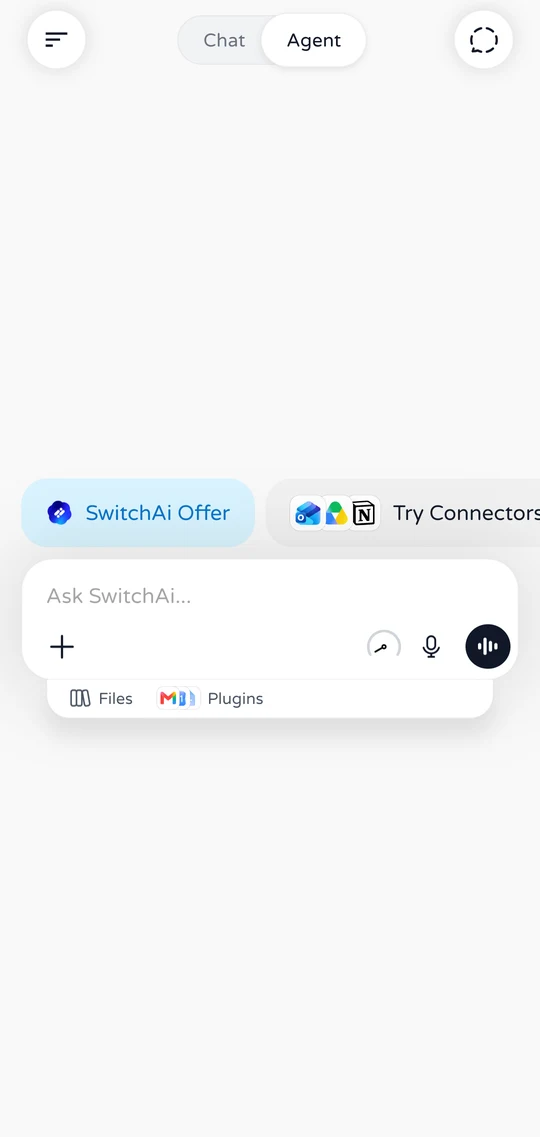
Pick Chat or Agent when you start a new chat.
Quick answers. Search the web, or drop in a PDF, doc or photo.
Summarize this in three bullet points
• Revenue grew 18%, led by subscriptions.• Support costs fell after the new help center.• Q4 focus: Android growth and onboarding.

Multi-step tasks across your apps. It asks before changing anything.
Move my 4 PM to tomorrow and tell the team on Slack
 Finding your 4 PM event
 Drafting a message for #teamGoogle Calendar
Move "Design sync" to tomorrow at 4 PM?
Agent mode
Agent mode does the legwork across the web and your apps. When something would change your email, files or calendar, it stops and asks.
Breaks your request into small steps and starts with what it needs to know.
Searches the web, reads your Gmail, checks your calendar. It picks the tools itself.
Sending, editing or booking stops at a Confirm card. Ignore it and it expires in 10 minutes.
Every search, read and change stays in the activity timeline under the answer.
Use launch guides and customer feedback to build my launch plan, then schedule a review.
Try Cancel or Confirm. Nothing real happens.
A growing set of plugins, free on every plan. Connect once, then just ask. Anything that sends, edits or deletes waits for your OK.
Gmail Summarize my inbox and draft replies
Reads freely. Asks before sending, editing or deleting.

Search, read, draft and send email.

Check availability and manage events and invites.

Find, read and organize your files.

Find, create and edit documents.

Read and update trackers and budgets.
Search notes, create pages and update tasks.
Search conversations and send or schedule messages.

Read and manage Outlook mail and calendars.
Install once and use them in any chat.

Create PDF, Word and Excel files right from chat.

Answers backed by Wikipedia articles.

Current conditions and a short forecast.

Live and historical exchange rates.

Metric, US, cooking and technical units.

Meal ideas and recipes from what you have.
Writing, research, files, documents, voice and your inbox, all from the same chat.
Drafts, replies and summaries in your tone.
Make this email sound friendlier
Hi Sam, thanks so much for the quick turnaround! Could we push the review to Friday? Happy to help with anything you need first.
Searches the web and shows where answers come from.
Best budget phones right now?
Reads PDFs, Office files and text in images.
What's the total on this receipt?
The total is ₹1,248.50, paid by card on 3 October.
Turns notes into PDF, Word or Excel files.
Turn my notes into a PDF report
Launch-report.pdf
Document Studio · 4 pages
Hands-free voice conversations with natural voices.
Listening…
Agent mode works through Gmail and asks before acting.
Archive this week's newsletters
 Finding newslettersArchived 23 emails · Confirmed
Your chats stay in sync across iPhone, Android and the browser.
The full app with Chat, Agent mode, voice and plugins.
Open SwitchAI in any browser. Nothing to install, same account.
Coming soon Mac app>Command line
Chat with leading model providers in one place, then switch models whenever your task changes.
100+
AI Models
 SwitchAi
App to rule them


Start free. Upgrade when you want more room to work.
Everything you need to get started.

Luna
For everyday AI work.

Terra
For your biggest ideas.

Sol
For serious daily work.
Prices in USD. Subscriptions are billed through the App Store or Google Play and renew automatically until cancelled. Paid plan usage resets weekly; Free usage refreshes daily.
FAQ
Everything about Chat and Agent mode, plugins, privacy and plans.
Still have questions?
We usually reply within 24–48 hours.
SwitchAI is an AI assistant for chat, writing, research, files and voice. Its Agent mode can also work across Gmail, Google Calendar, Notion, Slack and more, and it always asks before changing anything.
SwitchAI is available on Android, iOS, and the web today. Mac desktop and CLI experiences are listed as coming soon, so your conversations can start on a phone and continue in a browser.
Chat mode is for quick answers: ask a question, search the web, or drop in a file or photo. Agent mode takes on bigger tasks one step at a time. It plans the work, finds the plugins it needs, and shows every step in a live activity timeline. You choose the mode when you start a new chat.
You can connect Gmail, Google Calendar, Google Drive, Google Docs, Google Sheets, Notion, Slack and Outlook. Built-in plugins like Document Studio, Wikipedia, Weather, Currency Converter, Unit Converter and Recipes work without signing in. Plugins are free on every plan.
No. Reading is automatic, but anything that changes your accounts, like sending an email, editing a doc or booking an event, shows a confirmation card first. Nothing happens until you tap Confirm, and requests you don't answer expire after 10 minutes.
Yes. SwitchAI can search the web, read PDFs, Word, Excel and PowerPoint files, pull text from photos with OCR, create PDF, Word and Excel documents with Document Studio, and talk with you by voice.
Yes. The Free plan is $0/month and includes Chat and Agent mode, plugins, and questions about your files and photos. Paid plans are Lite ($11.99/month), Pro ($19.99/month) and Ultra ($50/month).
Connected plugins only use the permissions you grant, and you can disconnect them at any time. You can turn AI processing on or off in Data & Privacy, and delete your account from the app whenever you like.
Start free on iPhone, Android or the web. Chat when you need an answer, hand it to Agent when you need it done.